For Canadian players‚ accessing an online casino account should be simple‚ secure‚ and convenient. The Jackpot City casino app offers a mobile-friendly way to sign in‚ check promotions‚ play casino games‚ and manage account details from a smartphone or tablet. Whether you are a returning customer or have just created an account‚ understanding the correct login process can help you get started without unnecessary delays.
This guide explains how to use the Jackpot City Casino Canada sign-in page‚ what to do if you forget your password‚ and how to troubleshoot common access problems. It also covers responsible play‚ mobile security‚ and practical points to check before depositing or playing for real money.
What You Need Before Signing In
Before opening the login page‚ make sure you have the details used when registering your account. Usually‚ these include your username or email address and your password. You should also have access to the device or phone number connected to your account in case additional verification is required.
- A stable internet connection
- Your registered email address or username
- Your current account password
- A supported browser or the official mobile application
- Access to email or other verification methods‚ if requested
Canadian users should also confirm that online casino services are available in their province and that they meet the minimum legal age requirements. Gambling rules can differ across Canada‚ so players should check local regulations before using real-money features.
Step-by-Step Jackpot City Casino Canada Sign In
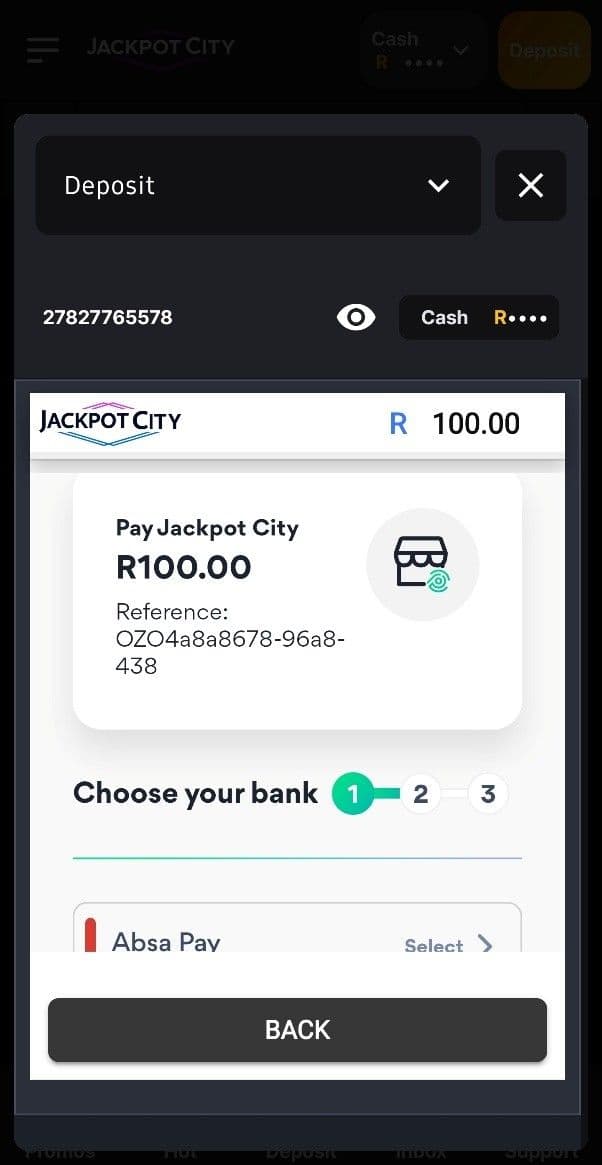
Open the Official Website or App
Start by visiting the official Jackpot City website or opening the Jackpot City App App on your mobile device. Avoid clicking login links from unknown advertisements‚ social media posts‚ or unsolicited emails. Checking the web address carefully is one of the easiest ways to reduce the risk of visiting a fraudulent copy of a casino site.
Select the Login Option
On the homepage‚ look for the Login‚ Sign In‚ or similar button. It is commonly displayed near the top of the screen. In the mobile interface‚ the button may appear in a menu or under an account icon.
Enter Your Account Details
Type your registered username or email address into the first field. Enter your password in the second field. Take care when typing‚ because passwords are normally case-sensitive. If your device is shared with other people‚ do not select an option that saves your login information.
Complete Verification
Some accounts may require an extra security step. This could involve an email confirmation‚ a code sent by text message‚ or another identity check. Follow the instructions shown on the screen and never share a security code with another person‚ including anyone claiming to represent casino support.
Open Your Account
After successful verification‚ you should be taken to your account lobby. From there‚ you can browse available games‚ review your balance‚ check bonuses‚ access responsible gambling tools‚ and manage payment options.
Signing In on a Mobile Device
The mobile version is designed for players who want to access casino content without using a desktop computer. Depending on the platform and availability‚ you may use a mobile browser or an application. Both options generally provide access to the same key account functions‚ although the layout may differ.
For a smoother experience‚ keep your operating system and browser updated. Close unused applications if the casino lobby loads slowly‚ and use a private home or mobile connection rather than an unsecured public Wi-Fi network. A reliable connection is particularly important during live casino sessions or games that require continuous communication with the server.
Forgotten Passwords and Locked Accounts
If you cannot remember your password‚ use the Forgot Password or Reset Password link on the login screen. You will usually be asked to provide the email address associated with your account. A password-reset message should then be sent to that address.
Choose a new password that is unique and difficult to guess. A strong password normally combines uppercase and lowercase letters‚ numbers‚ and special characters. Do not reuse the same password for email‚ banking‚ and casino accounts.
An account may be temporarily locked after several unsuccessful login attempts. This is a normal security measure. Wait for the specified period or contact official customer support through the verified website. Support agents may ask questions to confirm your identity‚ but they should not request your complete password.
Responsible Sign-In and Account Security
Signing in safely is only one part of responsible online gambling. Before playing‚ set a budget that you can afford to lose and decide how long your session will last. Casino games are based on chance‚ and no login method‚ strategy‚ or betting pattern can guarantee a win.
Use the responsible gambling tools available in your account if you want to set deposit limits‚ session reminders‚ cooling-off periods‚ or self-exclusion. These features can help keep entertainment within a planned budget. Never chase losses by increasing stakes or borrowing money to continue playing.
Promotions‚ Bonus Codes‚ and Wagering Terms
Once signed in‚ Canadian players may see promotional offers in the cashier‚ promotions section‚ or account lobby. Some offers may require a bonus code‚ while others are activated automatically after a qualifying deposit. Read the full terms before accepting any promotion.
- Minimum deposit requirements
- Eligible games and contribution percentages
- Wagering requirements
- Maximum bet restrictions while a bonus is active
- Expiry dates and withdrawal conditions
- Maximum winnings or cash-out limitations‚ if applicable
A bonus balance is not the same as withdrawable cash. In many cases‚ a player must meet the stated wagering conditions before bonus-related winnings can be withdrawn. If the terms are unclear‚ contact support before making a deposit.
Common Sign-In Problems in Canada
| Problem | Possible cause | Recommended action |
|---|---|---|
| Incorrect password message | Typing error or outdated password | Check capitalization or use password recovery |
| Page does not load | Browser‚ connection‚ or maintenance issue | Refresh‚ clear cache‚ or try another supported browser |
| Verification code missing | Email delay‚ spam filtering‚ or incorrect contact details | Check spam folders and request a new code |
| Account locked | Several unsuccessful login attempts | Wait or contact official support |
| Payment section unavailable | Verification or regional restrictions | Review account notices and complete requested checks |
Questions and Answers
Can I sign in from a Canadian smartphone?
Yes‚ players can generally access their account through a compatible mobile browser or the available mobile application. The exact features may depend on the device‚ operating system‚ and provincial availability.
What should I do if I enter the wrong password several times?
Stop trying repeatedly and use the password-recovery option. Repeated failed attempts can trigger a temporary security lock. If recovery does not work‚ contact the casino through its official support channels.
Can I use a public Wi-Fi network to log in?
It is safer to use a private‚ password-protected network. If public Wi-Fi is unavoidable‚ avoid saving passwords and do not access payment tools until you are using a trusted connection.
Why might identity verification be required?
Online casinos may need to verify identity to comply with security‚ anti-fraud‚ payment‚ and responsible gambling requirements. You should submit documents only through the secure account area or an official support process.
Can I play immediately after signing in?
If your account is verified and funded‚ you may be able to play eligible games immediately. Some games may offer a demo mode‚ while real-money play requires an available balance and compliance with all applicable terms.
Using the Account Lobby After Login
The account lobby is the central point for managing your casino profile. It may include your balance‚ transaction history‚ personal information‚ active promotions‚ game categories‚ and customer-service options. Reviewing these sections regularly can help you understand how funds are being used and whether a promotion is still active.
Before making a withdrawal‚ check whether your identity verification is complete. Payment providers may also have their own processing times‚ limits‚ and eligibility rules. A withdrawal can take longer if additional documentation is requested or if the selected payment method does not support withdrawals.
Expert Feedback: Experienced Player
“The most useful habit is checking the address before entering login details. I also review the bonus terms separately from the advertising message and set a deposit limit before playing. That makes the account easier to manage and keeps the session focused on entertainment.”
Final Assessment
The Jackpot City Casino Canada sign-in process is straightforward when you use the official website or mobile application‚ enter the correct credentials‚ and complete any requested verification. Most access problems can be resolved through password recovery‚ browser troubleshooting‚ or official customer support.
Canadian players should treat account security and responsible gambling as priorities. Use a strong password‚ protect verification codes‚ review promotional conditions‚ and set clear spending limits. With these steps in place‚ the mobile casino experience can remain convenient while giving you better control over your account and play.